Your own sales page
Pass The Steak
This box is plain HTML styled by this website, the way your own sales page would be. Only the two buttons come from DPD. (It's a demo product, so you'll get a sample PDF, not the recipes.)
Everything on this page is a live DPD demo store. Browse products, add them to your cart, try a coupon and check out, all without leaving the page until it's time to pay. You can do the same on your own site with one script tag and a few lines of HTML.
<script src="https://YOURSTORE.dpdcart.com/dpd.js"></script>
<dpd-product product="119694"></dpd-product>
Want to see a whole store built this way? Visit Cast & Crumb
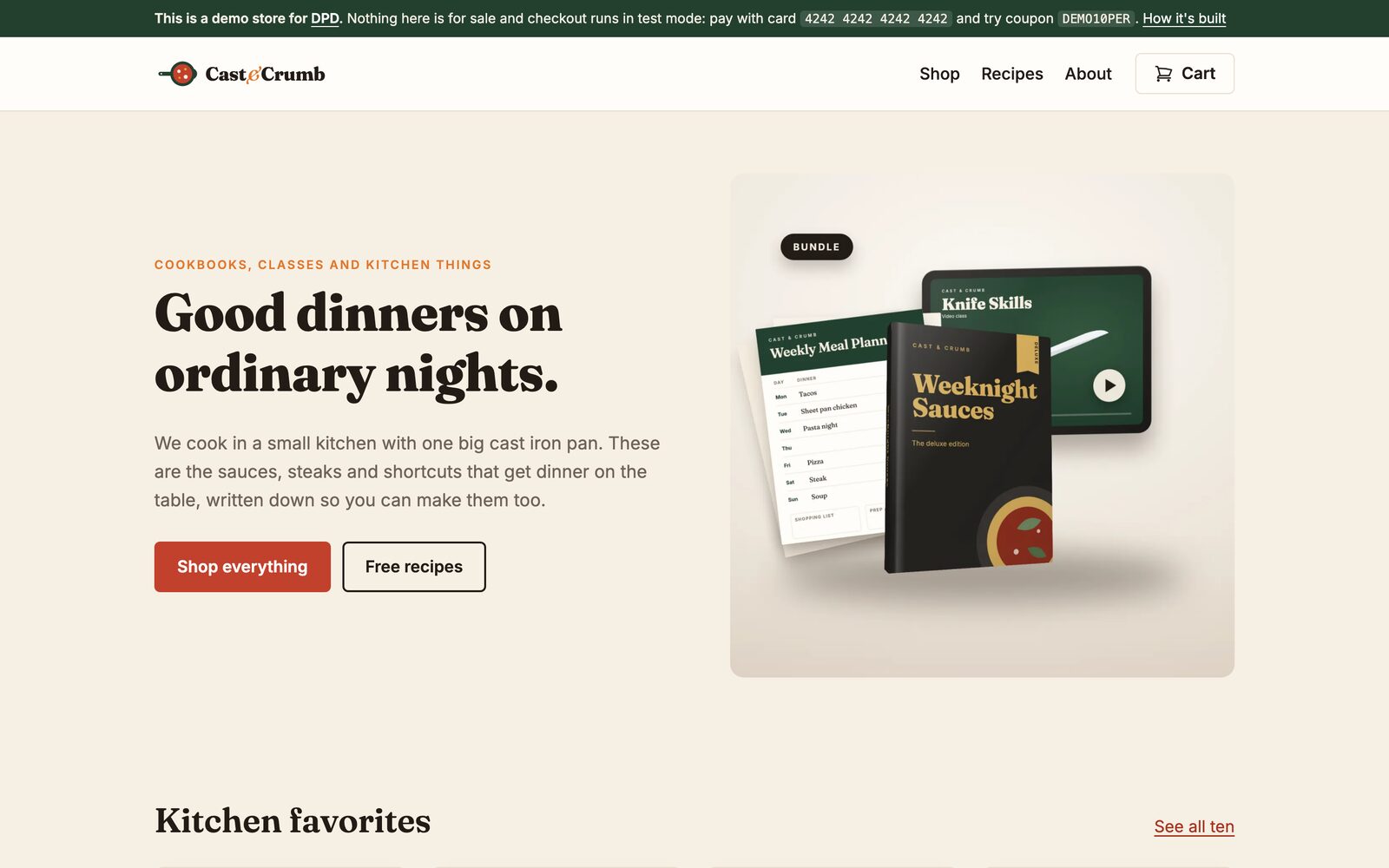
Cast & Crumb is a made-up cooking shop we built to show what these components look like on a finished site. It's a plain static site on GitHub Pages. Every product card, buy button and the cart come from DPD, styled to match the shop, and checkout goes to the store's own DPD checkout page.
Buy anything with the test card and you'll get the real thing: a sample cookbook, a printable planner stamped with your name, even a short original music track.
Each card pulls its image, name and price straight from your DPD store, so it's never out of date. Click Add to cart and the cart slides in from the side. The page doesn't reload and your visitor stays right here.
<dpd-product product="119694"></dpd-product>
<dpd-product product="19883"></dpd-product>
<dpd-product product="163005"></dpd-product>
<dpd-product product="45181"></dpd-product>The detail layout adds your product description and a quantity field. This demo product has a license agreement, so you'll see how DPD asks the buyer to accept it before it goes in the cart. Upsells and cross-sells show up the same way. The cart on the right updates the moment anything changes, anywhere on the page.
<dpd-product product="3062" layout="detail"></dpd-product>DEMO10PER takes 10% off and DEMO5DOL takes $5 off.
At checkout, use the demo card number shown on the payment page to
finish the order for free and see the download delivery.
<dpd-cart></dpd-cart>Already have a sales page you love? Keep it. Put an add to cart button wherever you'd put a link, and the button text is whatever you write between the tags. A checkout button takes buyers straight to payment, and it stays disabled while the cart is empty.
If a product sells out, the button says so on its own.
Your own sales page
This box is plain HTML styled by this website, the way your own sales page would be. Only the two buttons come from DPD. (It's a demo product, so you'll get a sample PDF, not the recipes.)
<dpd-add-to-cart product="163005">Get the cookbook</dpd-add-to-cart>
<dpd-checkout-button>Check out now</dpd-checkout-button>
The components use your page's font by default. Set a few CSS
variables to change the colors and corners, or use
::part() for anything else. Pick a style below and
watch the same live components change.
Every change to the cart fires a dpd:cart event on the
window, and every add fires dpd:added. Use them to
send analytics, update a badge of your own or show a thank you
note. Add something to your cart on this page and watch the log.
window.addEventListener("dpd:cart", (e) => {
  console.log(e.detail.itemCount, e.detail.cart);
});
window.addEventListener("dpd:added", (e) => {
  console.log("Added", e.detail.product);
});
Nothing changes for button and widget code you've already pasted
into your site. They open the lightbox cart like they always have,
and they share the same cart as the new components. Add an item
with the classic button below and check the cart icon at the top
of the page. Want the new cart drawer on an old link? Add
data-dpd-mode="inline".
Classic button, lightbox cart
Add to cartClassic link, new cart drawer
Add the Knife Skills class<a class="dpdcart" data-dpd-mode="inline" href="https://demo.dpdcart.com/cart/add?product_id=3780&method_id=2164">Add the Knife Skills class</a>Open any product's Button code page in your DPD dashboard and pick the Components tab. It writes the code for that product and shows you a live preview. Add your website's domain under Settings, Checkout, Embed domains, paste the code into your page and you're selling.
The components speak your store's language too, in all 27 languages DPD's checkout supports.